
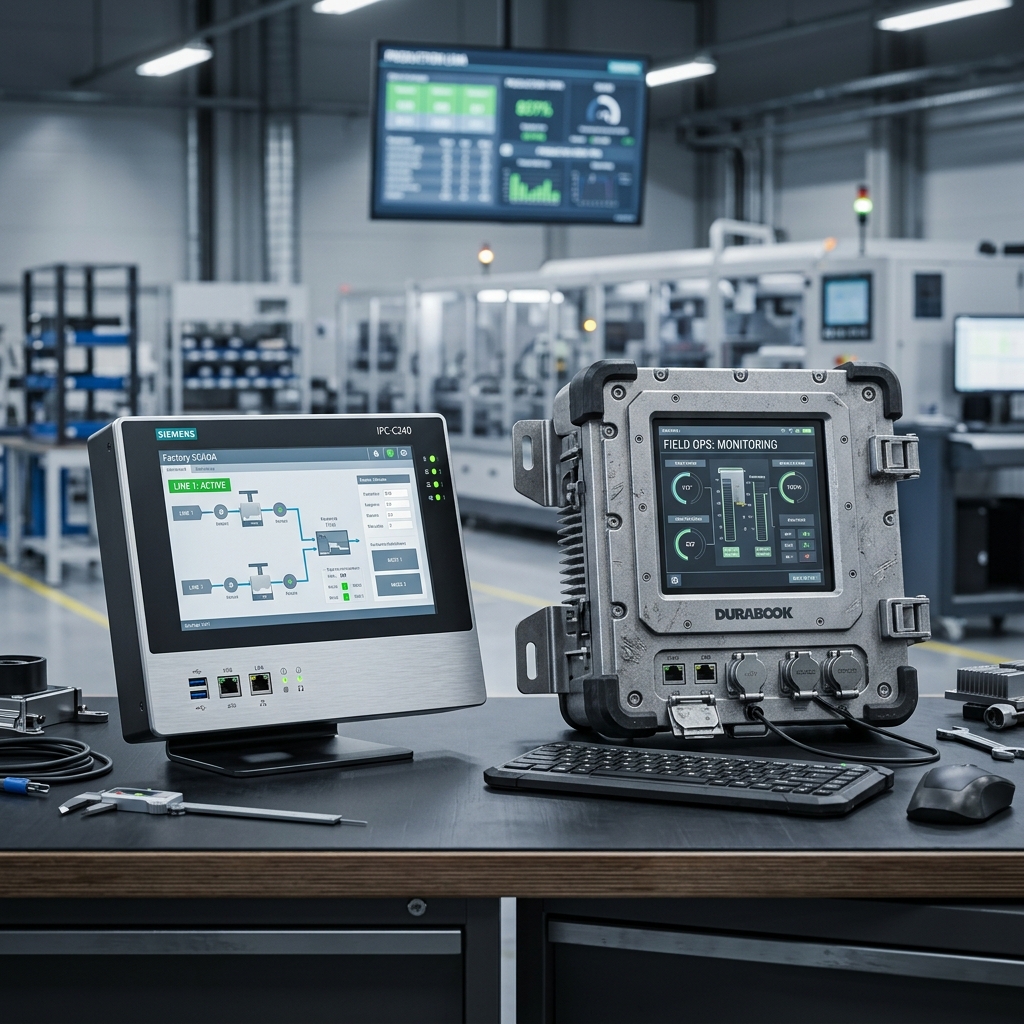
Terminology in the industrial computing market is often used loosely. Many vendors label any fanless system as "Rugged," but true ruggedization is a specific engineering discipline governed by rigorous testing standards.
Choosing a Rugged PC for a temperature-controlled server room is over-engineering. Conversely, choosing a standard Industrial PC for a mobile rail application guarantees a catastrophic system failure and potentially millions in downtime costs. This guide defines the technical boundaries.
The Hierarchy of Protection
This matrix helps engineers classify their environment and match it to the correct tier of hardware.
| Tier | Environment | Key Hardware Feature | Typical Lifespan | Fail Rate (field) |
|---|---|---|---|---|
| Commercial | Office / Lab | Active Fans, HDDs | 3 Years | 15% - 25% |
| Industrial | Factory Floor | Fanless, Wide-temp SSD | 7 - 10 Years | < 3% |
| Rugged | Out-of-door / Vehicle | Pressure-sealed, MIL-STD | 10 - 15 Years | < 0.5% |
Engineering Deep-Dive: The Reliability Gap
To understand the difference, we must look at the hidden engineering that isn't on the sticker.
1. MTBF and the Telcordia SR-332 Model
Industrial engineers use the Mean Time Between Failures (MTBF) to predict reliability.
- The "Burn-In" Process: Industrial and rugged units undergo 24-48 hours of full-load stress testing at high temperatures before shipping to eliminate "Infant Mortality" failure rates common in consumer tech.
- Component Grade: Rugged systems use AEC-Q100 or automotive-grade components for power regulation, which are designed to survive the rapid thermal expansion cycles that snap standard commercial solder joints.
2. Component Lifecycle Management
The biggest risk in industrial automation is Technical Debt.
- Commercial PC: Components change every 6-12 months. If you buy 100 PCs over two years, you may get 5 different hardware revisions, requiring 5 different software images.
- Industrial/Rugged PC: Guarantees a "Frozen BOM" (Bill of Materials). The CPU, chipset, and I/O controllers are available for 5 - 15 years. This eliminates the enormous hidden cost of driver re-certification and OS image management.
3. Chassis Materials: Die-Cast vs Extruded
- Industrial PCs: Often use extruded aluminum heatsinks and cold-rolled steel chassis. Excellent for heat but limited in impact resistance.
- Rugged PCs: Often use heavy-wall die-cast magnesium or aluminum alloys. These are not just for "looks"; they act as an EMI shield and structural cage that prevents the PCB from flexing during a high-G impact event.
TCO Worksheet: replacement vs. ruggedization
A $1,500 Industrial PC seems expensive compared to a $500 office PC, until you calculate the Total Cost of Ownership.
| Cost Item (Per 5 Units) | Commercial PC | Rugged Industrial PC |
|---|---|---|
| Initial Purchase | $2,500 | $7,500 |
| Failure Rate (over 5yr) | 3 units (60%) | 0 units (0%) |
| Field Service Trip | $4,500 ($1,500/trip) | $0 |
| Production Downtime | $15,000 ($5,000/hr) | $0 |
| Software Re-imaging | $2,000 (New revisions) | $0 (Frozen BOM) |
| Total 5-Year Cost | $24,000 | $7,500 |
Selection Checklist: The 4 Critical Questions
- Is the environment "Uncontrolled"? If a human being couldn't comfortably stand in the location for 8 hours (due to heat, noise, dust, or vibration), choose a Rugged PC.
- What is the cost of 1 hour of downtime? If it exceeds $1,000, the ROI on a Rugged PC is achieved after a single avoided failure.
- Does it move? If the system is on a platform that has an engine or moves on rails/wheels, a standard industrial PC is insufficient. (Read our Vibration Guide).
- How often do you want to touch it? If maintenance access is difficult (atop a wind turbine, inside a remote cabinet), "Rugged" is the only choice.