
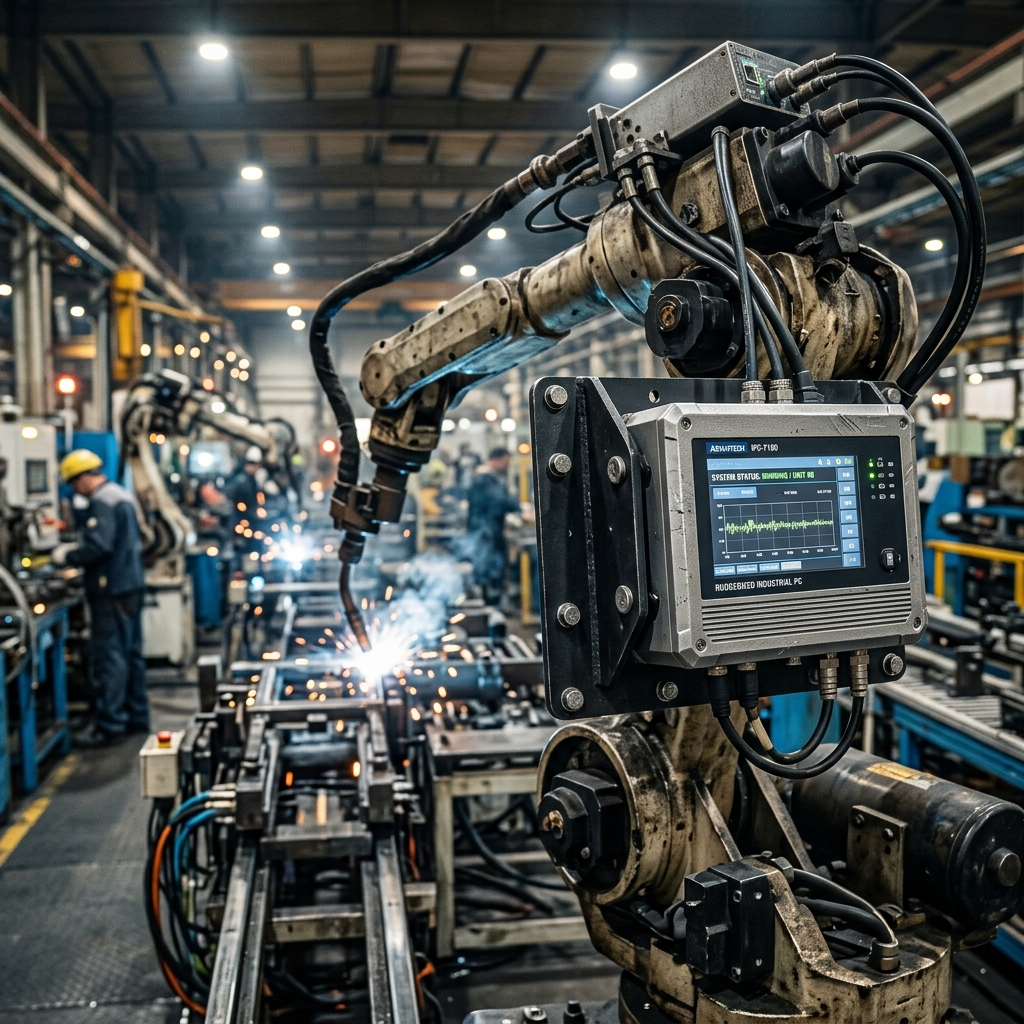
In the industrial sector, "movement" is constant. Whether a computer is mounted to a high-speed CNC spindle, a diesel-powered locomotive, or a mobile robotics platform, it is subjected to a continuous spectrum of mechanical energy.
Standard computing components are not designed for resonance. Without specific mechanical hardening, vibration causes "creep"—the physical displacement of connectors—and eventual fatigue failure of internal solder joints. This guide explores the engineering required to survive these forces.
Why Vibration Resistance Matters
Protection is not just about keeping dust out; it is about keeping internal connections stable. Sustained vibration leads to:
- Connector Fretting: Microscopic movements between contact pins that cause intermittent data errors or power resets.
- Solder Joint Cracking: Large components (like heatsinks or capacitors) act as loads on the PCB; constant vibration causes the solder joints to fatigue and eventually snap.
- Component Lead Failure: Heavy through-hole components can literally vibrate off a standard motherboard over time.
Vibration Stress Tier Matrix
Choosing the right system requires matching the hardware to the specific "Vibration Profile" of your environment.
| Tier | Environment | Common Stress | Recommended Standard |
|---|---|---|---|
| Standard Industrial | Fixed Control Cabinet | Low-frequency, intermittent | IEC 60068-2-6 (Sine) |
| Mobile / Transit | Forklifts, Trucks, AGVs | Random, multi-frequency | MIL-STD-810H, Method 514.8 |
| Heavy Industrial | Mining, Rail, Off-road | High-Shock, high-amplitude | MIL-STD-810H, Method 516.8 |
| Aerospace / UAV | Drones, Aircraft | High-frequency resonance | MIL-STD-810H, Category 24 |
Decoding the Engineering: Random Vibration & PSD
Unlike simple "Sine" vibration (moving back and forth at one speed), real-world vibration is Random. It happens at many frequencies at the same time.
1. Power Spectral Density (PSD)
Engineers use PSD curves to describe how much "energy" is present at each frequency (measured in $g^2/Hz$).
- The Resonance Problem: Every component has a "Natural Frequency." If the machine's vibration matches that frequency, the vibration within the PC is amplified (resonance), quickly destroying the component.
- Damping Strategy: Rugged systems use Stiffened PCBs and Mechanical Stiffeners to push the natural frequency of the board outside the range of expected machine vibration.
2. The Grms Rating
The most common metric on a datasheet is Grms. This is the square root of the area under the PSD curve and represents the "average" acceleration energy the system can survive.
- Industrial Baseline: ~1 - 2 Grms (Good for fixed factories)
- Rugged Baseline: ~3 - 5 Grms (Required for vehicles and robotics)
- Extreme Baseline: 5+ Grms (Specialized rail or military hardware)
3. Solder-Down vs Socketed Components
In high-vibration environments, "socketed" RAM and M.2 drives are failure points.
- The Rugged Fix: High-tier systems use Solder-down memory (LPDDR5) and Locking Brackets for M.2 drives. If a socket is necessary, it must feature a Gold-plating thickness (often 30$\mu$" or higher) to resist fretting corrosion.
How to Verify a Vibration Test Report
Don't trust a "compliant" label; ask for the laboratory test report and verify these 4 items:
- Tested Axes: Was it tested in all three axes (X, Y, Z)? Vibration is rarely uni-directional.
- Duration: How long was the test? A 10-minute test is insufficient to simulate a 10-year service life. Look for 60+ minutes per axis.
- Operational State: Was the PC turned on and running software during the test? Mechanical survival is different from functional reliability.
- Frequency Range: Ensure the test covered a range relevant to your machine (e.g., 5 Hz to 2000 Hz).