
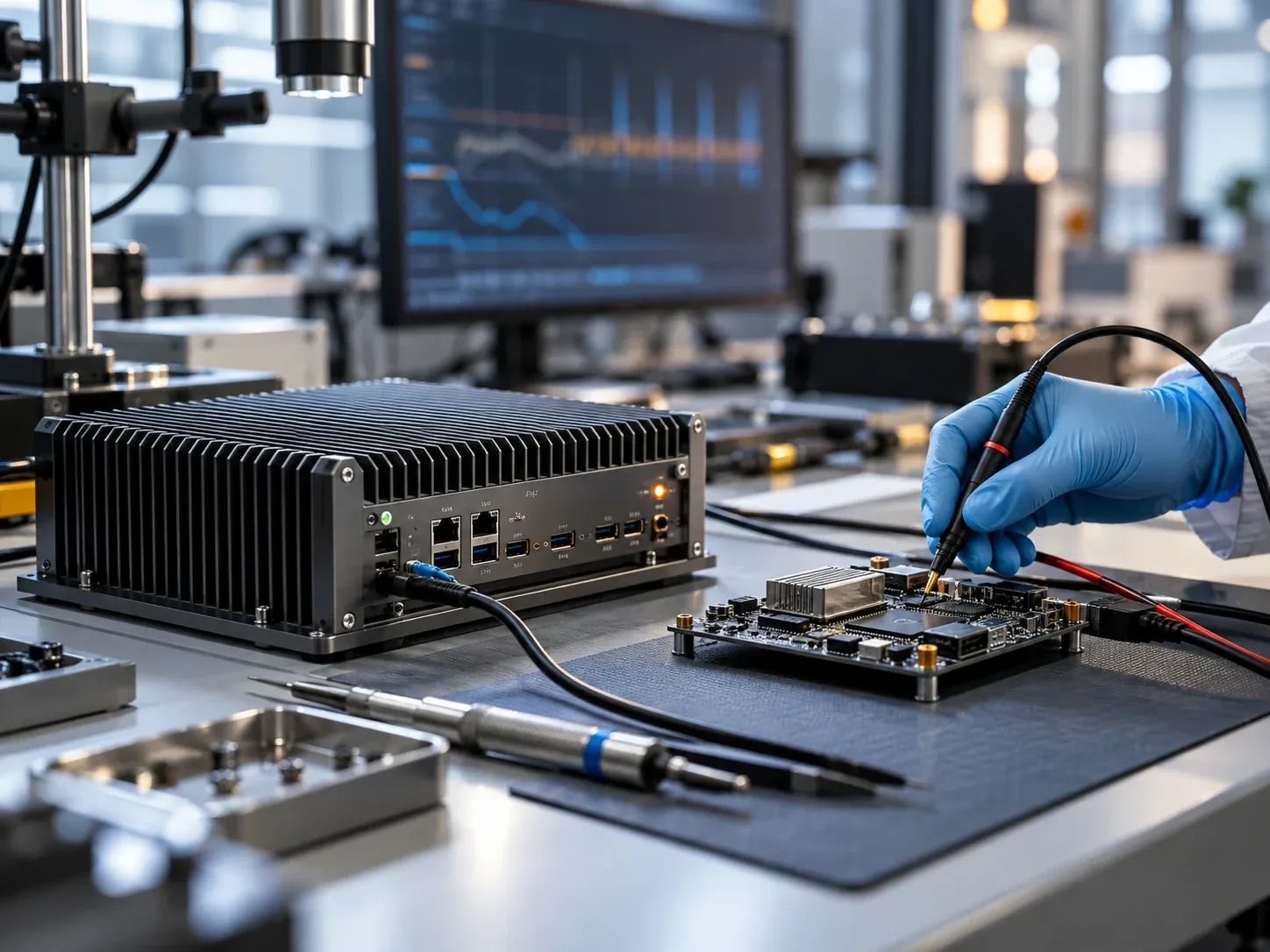
Quick answer
An Ubuntu upgrade for an industrial PC is a hardware-and-application qualification project. Booting the installer is only the beginning. Drivers, serial port identity, GPIO, displays, watchdog recovery and the production application must work together before a new image reaches operating equipment.
For Ubuntu 26.04 LTS, use a controlled sequence: preserve the existing image, test a representative unit, run a supervised pilot and release a reproducible image with a tested recovery plan. The checks below are proposed engineering controls, not an official certification procedure or a claim that every Yantronic product supports this release.
What changed, and what should engineers verify?
Canonical released Ubuntu 26.04 LTS on April 23, 2026. A new LTS release changes the software baseline; it does not establish compatibility for every board revision and peripheral.
The official LTS upgrade summary identifies an important HMI boundary: the default Ubuntu Desktop GNOME session uses Wayland, while X11 applications can use XWayland. A native GNOME Xorg session is no longer available. Other desktop environments require their own support assessment.

Figure 1. A validation map, not a compatibility certificate. Select the image to enlarge.
Record the exact installed kernel, firmware, graphics stack and application versions. PREEMPT_RT being available upstream does not mean the installed kernel enables it or that a normal desktop image guarantees deterministic response. Define timing requirements separately and measure the selected configuration.
Netplan and predictable interface naming should also be checked against the existing installation. They are not features newly invented for 26.04. An upgrade plan needs the differences between the two actual images, rather than a list of generic Linux capabilities.
Four integration areas to test carefully
1. Serial interfaces and stable device identity
Enumerate each RS-232/422/485 port and its physical connector. Test normal traffic, restart behavior, supported baud rates and RS-485 direction handling with representative connected devices. A working loopback cable is useful, but it does not reproduce every timing or electrical condition of a PLC or scale.
Where the driver exposes suitable identifiers, use persistent device rules or a documented port mapping instead of assuming /dev/ttyS1 always means the same connector. USB serial adapters may provide stable serial numbers; some legacy UARTs need another identification method. Verify the rule on the actual hardware rather than copying an untested udev example.
2. GPIO and application interfaces
The Linux kernel documentation marks the GPIO sysfs ABI as deprecated and directs new users toward the character-device interface. Deprecated does not mean universally removed from every kernel.
Check the target kernel configuration and whether this board exposes standard GPIO character devices or a vendor-specific API. Validate library versions, line numbering, active-low behavior, output startup state and permissions. Requesting or changing a line can operate real equipment; perform these checks on an isolated fixture before connecting production loads.
3. Touch, graphics and legacy HMI software
Test touch mapping after rotation, monitor reconnection, restart and changes to display scaling. Verify camera previews, hardware acceleration, remote access and unattended application startup under the intended Wayland/XWayland environment.
Do not assume an old X11 calibration utility or screen-control script will behave identically. If a required application cannot pass testing, evaluate a separately supported desktop configuration, vendor update or continued use of the existing maintained image. Selecting “GNOME on Xorg” is not a valid default-session solution for 26.04.
4. Watchdog behavior and recovery
Confirm the matching watchdog driver, the exposed device and the service responsible for feeding it. Read the supported timeout range and behavior when a process exits. Coordinate the board watchdog with systemd or the chosen supervisor so two services do not compete for the device.
Choose timeouts from the application's recovery requirements rather than copying fixed settings. Test a controlled service failure on a spare unit, then record whether recovery restores both the OS and the production application. A reboot that leaves the inspection program stopped is incomplete recovery.
A practical qualification matrix
| Area | Suggested test | Acceptance evidence |
|---|---|---|
| Boot and drivers | Cold boot, restart and required module loading | Firmware and kernel versions, device inventory and reviewed logs. |
| Network and serial | Representative simultaneous traffic and link recovery | Stable port mapping, error counts and application communication results. |
| GPIO and display | Isolated I/O fixture, touch, rotation and display reconnect | Correct line states, coordinates and unattended startup. |
| Timing and workload | Full acquisition, processing, storage and industrial communication | Latency distribution, missed deadlines, temperatures and throttling observations. |
| Storage and recovery | Backup restoration and controlled power-loss scenarios | Verified data integrity and measured restoration time. |
Set limits and test duration from the project's risk and duty cycle. Controlled power interruption can damage data and should be performed only on isolated, recoverable test equipment with suitable storage protection.
Four gates for releasing a production image

Figure 2. Proposed project gates, not an official Ubuntu certification process. Select the image to enlarge.
- Preserve the baseline. Archive a restorable image, partition layout, BIOS settings, drivers, licenses and configuration. Test recovery media and measure the restore procedure and document the measured restoration time.
- Validate on the bench. Use a representative board revision and the real accessory set. Resolve required device failures and review logs. Do not treat every harmless log warning as a release blocker.
- Run a supervised pilot. Exercise the production software with representative cameras, PLCs and databases. Separate test actions from live control and establish a rollback decision point.
- Freeze and release. Record image checksums, package versions, permissions and settings. Assign responsibility for updates and recovery documentation. System imaging and BIOS services can be part of this controlled handover.
Production upgrade checklist
- Record board revision, BIOS, kernel and every required peripheral.
- Restore the previous image successfully on test hardware.
- Verify driver and SDK support, including Secure Boot requirements where applicable.
- Validate serial identity, networking, GPIO and watchdog ownership.
- Test HMI behavior in the actual display session and remote-access setup.
- Define workload, timing, thermal and recovery acceptance limits.
- Establish a controlled security-update and rollback policy.
Avoid permanently disabling all updates as a shortcut to stability. A production system still needs a planned way to receive security fixes, with maintenance windows and rollback testing. For architecture questions, see the industrial PC vs PLC guide and panel PC selection guide.
FAQ
Should a working older LTS installation be upgraded immediately?
Not simply because a new version exists. Review the current support period, security exposure, hardware changes and application dependencies. Continued operation still requires a maintained and documented security plan.
Which edition fits industrial equipment?
A headless system may suit Ubuntu Server; an operator workstation needs a qualified graphical environment. Ubuntu Core is a distinct device-oriented deployment model and needs its own application and update assessment. It should not be described as immune to power-loss damage.
Does a successful installation prove full board compatibility?
No. Ethernet, serial ports, GPIO, display, watchdog and the application must be tested as a system. Support depends on the exact hardware revision and software stack.
Plan the upgrade around the equipment
Prepare an I/O inventory, application dependencies and recovery requirements before comparing industrial computing platforms. For driver integration and a controlled production image, contact the engineering team.