
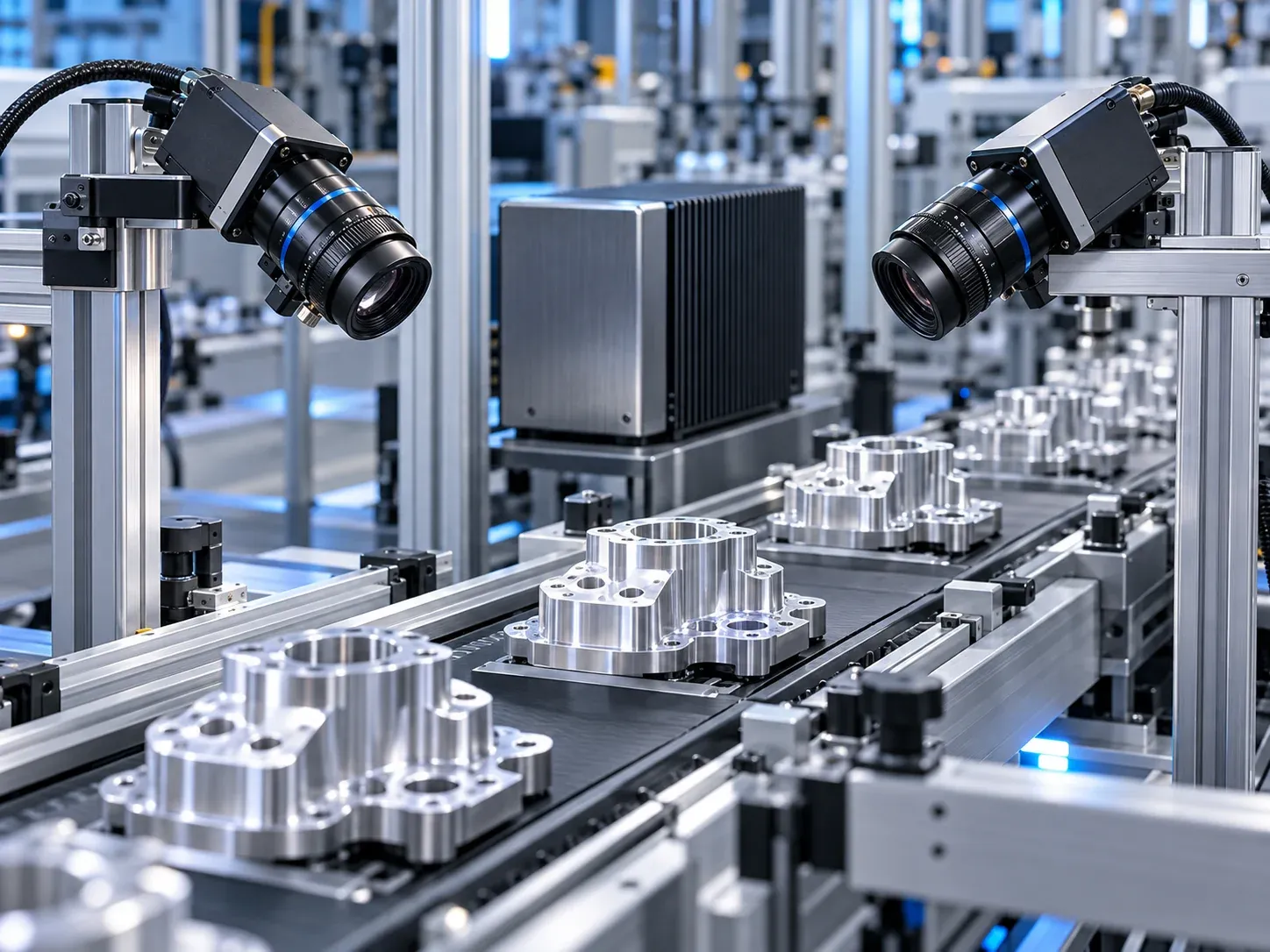
Quick answer
A machine-vision computer should be sized around the complete acquisition path: camera payload, network controller, PCIe topology, memory traffic and thermal design. Counting Ethernet ports is not enough. Four 1GbE ports do not become one 10GbE camera connection, and a 10GbE port does not automatically support RDMA.
GigE Vision 3.0 adds RoCEv2-based remote direct memory access and the GigE Vision RDMA Streaming Protocol. The engineering opportunity is lower transport overhead; the procurement task is to verify the camera, NIC, driver and SDK as a supported combination. This article offers sizing and acceptance recommendations, not measured performance claims for a Yantronic product.
What changed in GigE Vision 3.0?
A3 announced GigE Vision 3.0 on May 13, 2026. Its RDMA path enables image delivery into registered host memory with less involvement from the operating-system receive path. Using this streaming capability requires a RoCEv2-capable NIC.

Figure 1. Conceptual acquisition paths, not a benchmark. Buffering and CPU work depend on the camera, driver and SDK. Select the image to enlarge.
Traditional GigE Vision streaming commonly uses UDP-based GVSP. Its CPU cost varies with the driver, interrupt moderation, packet size and vendor optimizations; it cannot be described by a universal number of saturated CPU cores. RDMA reduces data movement overhead, but initialization, buffer management, application processing and recovery still need host resources.
Confirm the exact controller and software versions. A supported Ethernet speed, a familiar RJ45 connector or a multi-port industrial motherboard is insufficient evidence of RoCEv2 support. Also confirm which transport modes the camera exposes and which mode the application actually uses.
Build a camera payload budget first
Use a transparent calculation before selecting a host uplink:
Payload bytes/s = width × height × frames/s × transmitted bytes/pixel × camera count.
For four cameras transmitting 2448 × 2048 Mono8 images at 60 frames/s:
4 × 2448 × 2048 × 60 × 1 = 1,203,240,960 bytes/s
That is approximately 1.203 GB/s or 9.626 Gbit/s, using decimal units. It excludes protocol overhead, retransmissions and operating headroom, so a single nominal 10G uplink leaves little room for a robust design. It does not, by itself, prove that a particular installation will drop frames.

Figure 2. A calculation example, not a camera or computer test result. Select the image to enlarge.
For the same image size and frame rate, RGB24 uses three bytes per pixel: about 28.879 Gbit/s of raw payload. Packed 12-bit Bayer uses 1.5 bytes per pixel, about 14.439 Gbit/s; a 12-bit value transported in a 16-bit container uses two bytes, about 19.252 Gbit/s. The transmitted pixel format matters more than the sensor's nominal bit depth alone.
Map both average and burst traffic. Synchronized triggers, inter-packet delay, switch buffering and simultaneous disk logging affect the final design. Choose spare capacity against the actual trigger pattern rather than treating an arbitrary utilization percentage as a standard requirement.
Check the path inside the computer
A long PCIe slot may have fewer electrical lanes than its mechanical length suggests. Read the board topology and verify negotiated generation and lane width after installing the NIC. PCIe 3.0 ×4 provides about 3.94 GB/s per direction after line encoding and before transaction overhead; that is a theoretical link figure, not guaranteed application throughput.
Check whether the NIC shares a chipset uplink with NVMe, USB or other traffic. CPU-connected slots can be useful for demanding acquisition, but a chipset-connected slot is not automatically unsuitable. Evaluate its shared capacity and measure the intended concurrent workload. On NUMA systems, also examine NIC locality, thread placement and buffer allocation.
Basler documents packet-size configuration across the camera network. Larger packets can reduce packet-processing overhead when every device supports them. Validate MTU, receive buffers and interrupt settings together; MTU 9000 is a configuration choice, not a universal GigE Vision requirement.
Hardware decisions that deserve evidence
| Subsystem | What to verify | Why it matters |
|---|---|---|
| NIC and SDK | Controller, RoCEv2 capability, driver, firmware and transport support | Matching connectors do not establish software compatibility. |
| Physical connection | Camera interface, distance, module compatibility, cable routing and power | Optical fiber, DAC and 10GBASE-T have different installation constraints. |
| PCIe and memory | Electrical lanes, shared uplinks, channel configuration and buffer traffic | Acquisition competes with preprocessing, display and storage. |
| Thermal design | NIC, transceiver and system temperatures at sustained load | CPU TDP alone does not describe the enclosure's cooling requirement. |
SFP+ is not universally superior to RJ45. Compare the actual NIC and transceiver specifications, serviceability and available camera connections. Optical fiber avoids an electrical signal path along the cable; DAC is copper and must not be described as immune to electromagnetic interference. Neither connector format guarantees a fanless system will remain within its limits.
Accept the full inspection workload
Run capture, preprocessing, inference, operator display, storage and PLC communication together. Record incomplete frames, retransmissions, receive errors, queue occupancy, CPU load and component temperatures. Check the SDK's counters as well as the network driver; a clean driver counter does not prove complete images reached the application.
Measure trigger-to-decision latency and its distribution, including relevant percentiles and the worst observed value. A P99 figure is a statistical result, not a hard real-time guarantee. Agree on acceptable loss, deadline violations, recovery time and test duration before testing.
On an isolated test bench, interrupt a camera link and restore power to confirm recovery behavior. Do not promise a fixed reconnection time without measurements. Preserve the working firmware and settings so the accepted configuration can be reproduced.
Sizing and verification checklist
- Record camera count, transmitted pixel format, resolution and peak trigger rate.
- Budget each camera link and every aggregated uplink, including overhead and bursts.
- Confirm the exact NIC, transport mode, driver and acquisition SDK combination.
- Verify PCIe lanes, shared resources and memory configuration under concurrent load.
- Tune packet size and buffers only within supported device limits.
- Agree on latency, frame integrity, recovery and thermal acceptance criteria.
See the machine-vision host selection guide and the multi-LAN industrial PC guide for related configuration questions.
FAQ
Does RDMA remove the need for a capable CPU?
No. It reduces acquisition transport overhead. Image processing, application logic, storage and industrial communication still consume compute and memory resources.
Should a working 1GbE inspection system be replaced?
Only when requirements justify it. Higher resolution, faster production cycles or more cameras may require an upgrade; port speed alone is not a purchasing reason.
Does every Yantronic industrial PC support 10GigE or RDMA?
No such catalog-wide claim is made here. Validate the selected motherboard, expansion card, operating system and SDK before committing to a configuration.
Prepare the right information for an engineering review
Bring the camera list, bandwidth calculation, network layout and enclosure constraints when comparing industrial computing platforms. For PCIe expansion, connector layout or cooling integration, discuss custom development with the engineering team.