
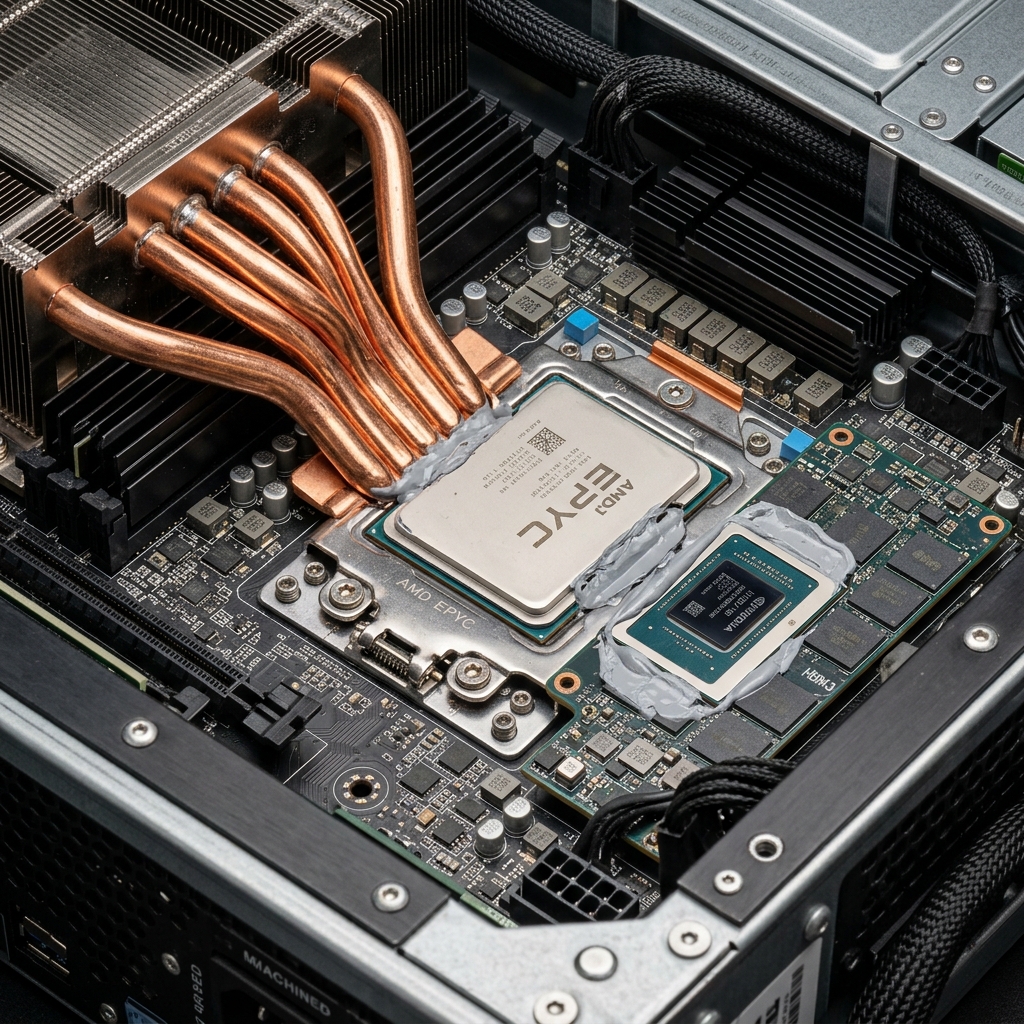
The transition of artificial intelligence from the cloud to the factory floor has created a "Compute Gap." Standard automation hardware is designed for logic branching, while AI inference relies on massive, repetitive matrix math.
Choosing the wrong hardware for Edge AI leads to "dropped frames" in machine vision or excessive thermal load that triggers system throttling. This guide provides an architectural comparison of modern inference engines.
The Architectures: Beyond the Acronyms
To design a reliable system, engineers must understand how these components actually process a "Tensor" (a multi-dimensional data array).
1. CPU: The Scalar Heavyweight
Modern industrial CPUs (like Intel 13th Gen) include instructions like AVX-512 and AMX (Advanced Matrix Extensions).
- The Reality: While powerful, a CPU still processes data in small "batches." It is excellent for pre-processing (Resizing images, normalization) before handing the heavy math to a GPU.
- Best Use: 1-2 streams of YOLOv8-tiny or object counting in logistics.
2. GPU: Parallel Matrix Engines
NVIDIA's Ampere and Blackwell architectures utilize specialized Tensor Cores that can perform multiple $4 \times 4$ matrix multiplications in a single clock cycle.
- The Reality: Peak performance is measured in TFLOPS (Tera-Floating Point Operations per Second) or TOPS (Tera-Operations Per Second for INT8).
- Best Use: High-resolution defect detection, autonomous mobile robots (AMR), and multiple 4K camera streams.
3. NPU / VPU: The Efficiency Specialists
Dedicated AI accelerators (like Hailo or Intel Movidius) are designed with a fixed logic path for AI.
- The Reality: They offer the highest Performance-per-Watt. A 5W Hailo-8 module can sometimes outperform a 60W integrated GPU for specific YOLO models.
- Best Use: Battery-powered devices, handheld inspectors, and thermally constrained fanless PCs.
Edge AI Hardware Comparison Matrix
| Metric | CPU (Industrial x86) | Integrated GPU (iGPU) | Dedicated GPU (dGPU/SoM) | AI Accelerator (NPU) |
|---|---|---|---|---|
| Compute Engine | 8-24 Large Cores | 96-256 Execution Units | 1000+ Tensor Cores | ASIC Neural Engine |
| Memory Bandwidth | ~50 - 100 GB/s | Shared with CPU | 200 - 1000+ GB/s | Dedicated Local Cache |
| Peak AI Speed | < 10 TOPS | 10 - 30 TOPS | 100 - 500+ TOPS | 20 - 80 TOPS |
| Power Intensity | Moderate | Low (Integrated) | High (75W - 350W) | Very Low (2W - 10W) |
| Software Stack | OpenVINO, ONNX | OpenVINO, CUDA | NVIDIA TensorRT | Specialized SDK |
The "Bottle-Neck" Factor: Why Memory Bandwidth Matters
Most buyers focus on TOPS, but in real-world Edge AI, the bottleneck is often Memory Bandwidth.
- The Issue: A deep learning model (like a transformer) has millions of parameters that must be loaded into memory for every frame.
- The math: If your model is 1GB and your RAM bandwidth is 50GB/s, you can theoretically only run that model at 50 FPS maximum, even if your compute speed is unlimited.
- Rugged Insight: This is why high-end Edge AI systems use LPDDR5X or HBM (High Bandwidth Memory) directly on the compute module.
Precision Trade-offs: FP16 vs INT8
AI performance is tied to mathematical precision.
- FP32 (Single Precision): Most accurate, but slowest and consumes more power.
- FP16 (Half Precision): Standard for high-quality industrial inference.
- INT8 (8-bit Integer): Uses Quantization to compress the model. It is 2-4x faster than FP16 with only a ~1% loss in accuracy.
- Checklist: Always ask if a PC's "TOPS" rating is for FP16 or INT8. Marketing numbers usually use INT8.
FAQ: The Implementation Reality
Does Edge AI require a fan?
Generally, yes, for high-performance GPUs. However, specialized Fanless Edge AI systems (using NVIDIA Jetson Orin or Intel Core with integrated NPUs) can dissipate up to ~60W passively. Beyond that, active cooling is required to prevent thermal throttling.
What is "Inference" vs "Training"?
Inquiry. Training (Learning) happens in the data center on massive H100 GPU clusters. Inference (Doing) happens on the edge. You "deploy" a pre-trained model to the field computer.
Can I run AI on an ARM-based PC?
Yes. The NVIDIA Jetson series is ARM-based and is the industry gold standard for power-efficient Edge AI. For x86 compatibility, Intel with OpenVINO is the leading choice.